
If you are asking yourself, “why is my Shopify store not getting sales?”, you are not alone — and the good news is that most stores with this problem do not have a product problem. They have a diagnosis problem. Store owners usually jump straight to running more ads or redesigning the whole site, when the real issue is one specific leak in the journey from visitor to buyer.
A Shopify store only makes sales when three things line up: the right people arrive, the product page convinces them, and checkout lets them pay without friction. If any one of those three breaks, sales stop — even if the other two are fine. That is why this guide starts with diagnosis, not guesswork. Fix the leak first, then spend on traffic.
This article is written for store owners in the US, UK, Germany and beyond who already have a live Shopify store but are seeing traffic without orders, or no meaningful traffic at all. Work through the fixes in order, and you will know exactly what to change this week.
First, Diagnose It: Is It a Traffic Problem or a Conversion Problem?
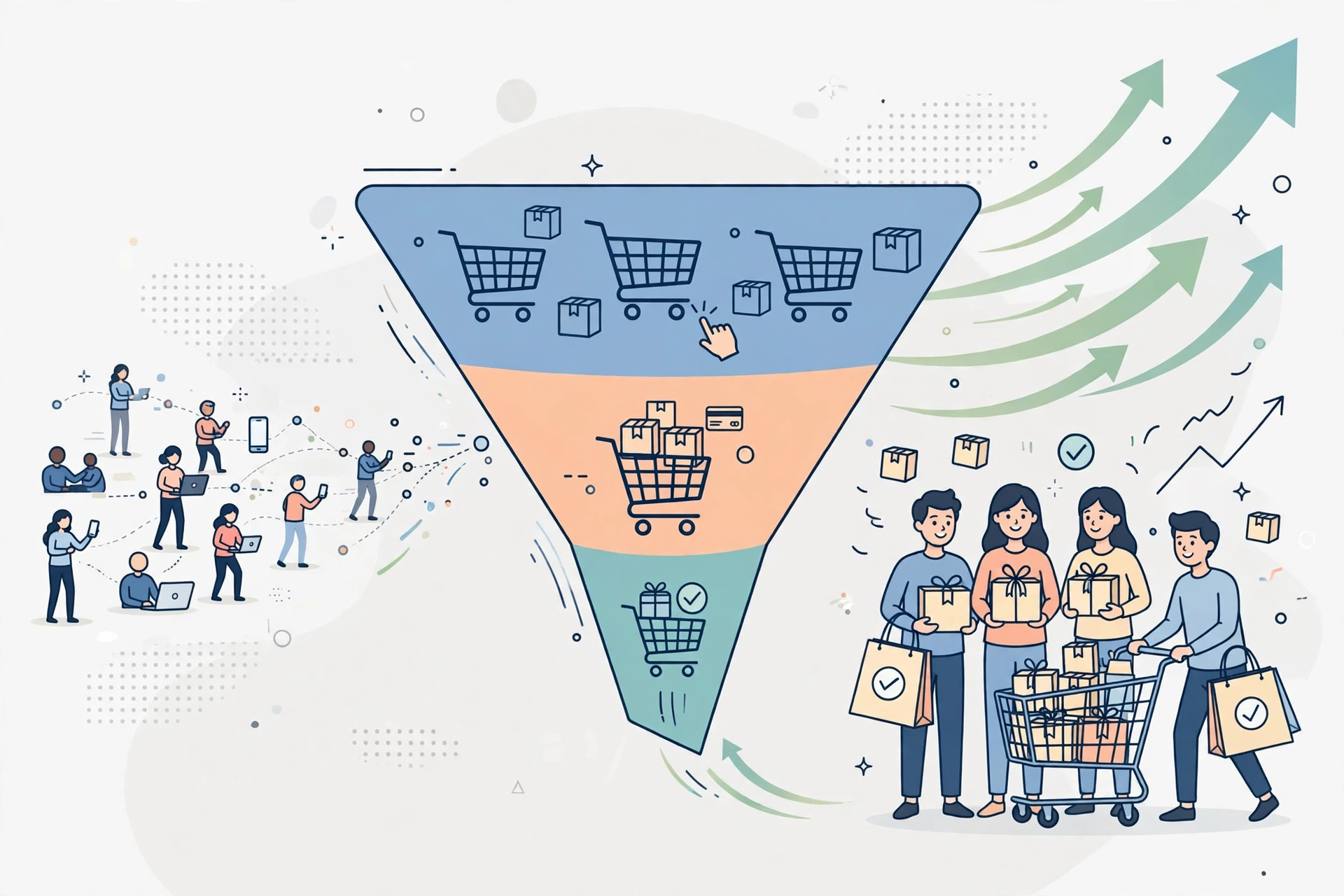
Before you change anything, open Shopify Analytics and look at the funnel: sessions, products viewed, added to cart, reached checkout, and purchases. The step with the biggest drop tells you where to start.
| What you see | What it usually means | Fix first |
|---|---|---|
| Very few sessions | Traffic problem — not enough of the right people are finding the store | Fixes 2 and 12, plus SEO and targeted ads |
| Many sessions, few product views | Navigation or landing-page problem — visitors cannot find what they want | Fixes 4 and 8 |
| Product views but almost no add-to-carts | Offer, price clarity or trust problem on the product page | Fixes 3, 4, 5 and 6 |
| Add-to-carts but checkout abandonment | Checkout friction or surprise costs | Fixes 6 and 9 |
| Checkout started but no purchase | Payment, shipping-rate or form problem | Fix 9 |
Do not judge a new store on a handful of visits. A store with 30 sessions and zero sales has not proven anything yet — it simply has not had enough of the right visitors. A store with 1,000 sessions and zero sales, on the other hand, has a conversion problem that traffic alone will never fix. Segment the numbers by device too: most Shopify traffic is mobile, so a store that converts on desktop but not on a phone is losing most of its buyers.
Fix 1: Make Sure the Store Is Actually Open for Business
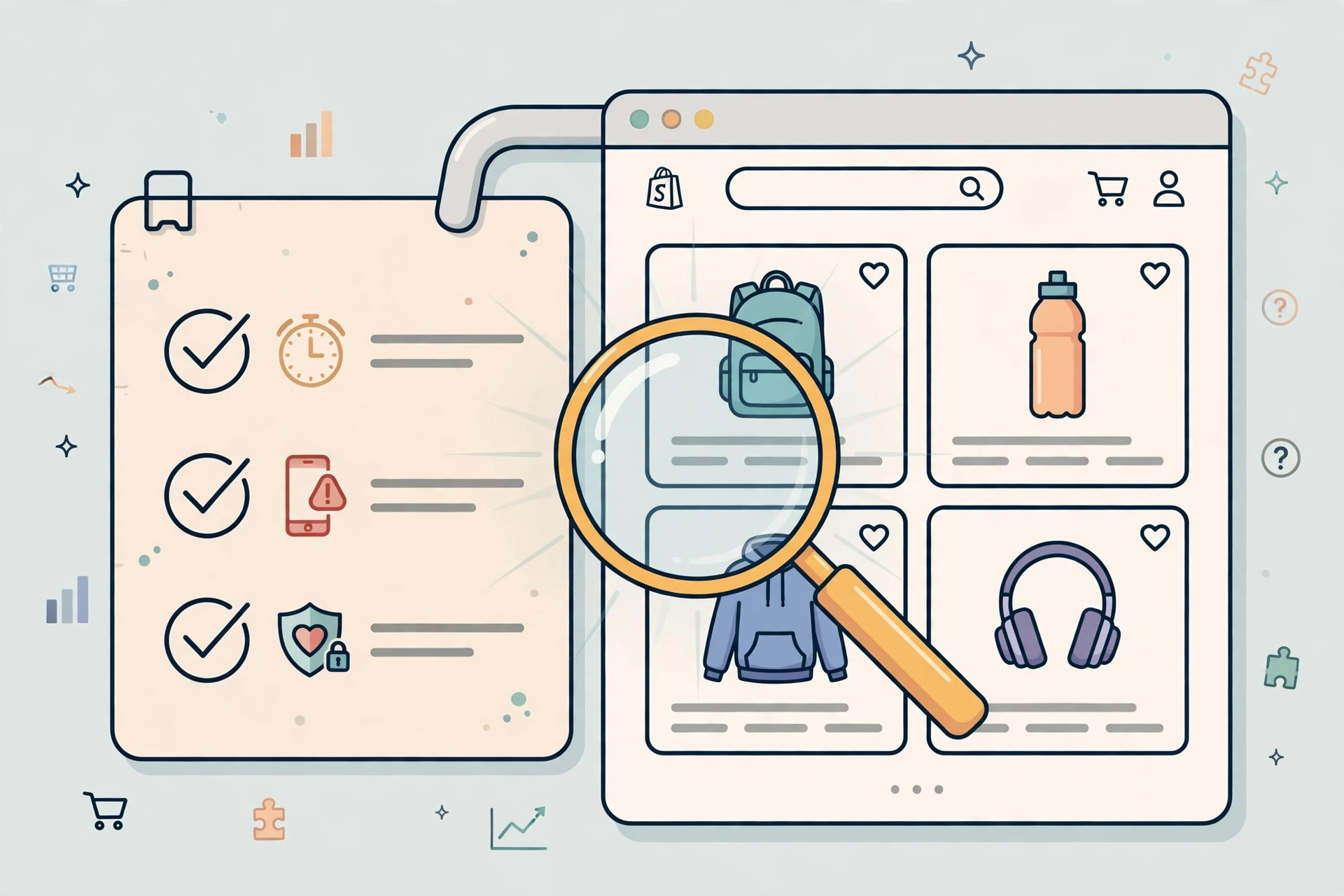
This sounds too basic to matter, and that is exactly why it catches people out. Check these in Shopify admin right now: is the store still behind a password page, are your products set to Active rather than Draft, is the country your customers are in active in Markets, and does that country have a shipping rate? A product with no shipping rate for the customer’s address, or a checkout app that broke after a theme update, can silently block every single sale.
Place a test order yourself, on your phone, to an address your customers actually use. Time it. If it takes more than a minute, confuses you, or shows an error, your customers are hitting the same wall — and they will not email you about it, they will simply leave.
Fix 2: Stop Buying the Wrong Traffic
Traffic is not sales. If your ads or social posts bring in curious browsers who were never going to buy — the wrong age group, the wrong country, people looking for free information rather than a product — your conversion rate will stay near zero no matter how good the store is. Look at where sessions come from and which source actually adds to cart. Cut or re-target the sources that bring views but never intent, and put that budget behind the audience that already showed buying behaviour: people searching for the product type, visiting a product page, or abandoning a cart.
This is also where search traffic earns its keep. A visitor who searched for exactly what you sell arrives pre-qualified. That is why a solid SEO strategy for your Shopify store matters more over time than another round of cold ads — it brings buyers, not just browsers.
Fix 3: Make the Offer Impossible to Misunderstand
Visitors decide in seconds whether a product is for them. If your headline only names the product and your page only lists features, the visitor has to do the work of figuring out why they should care — and most will not. State the outcome first: who it is for, what problem it solves, and what makes it different from the cheaper alternative one click away. Then back it up with specifics, not superlatives. “Soft, breathable cotton that keeps you cool all day” sells better than “premium quality fabric”, because it answers a real question in the buyer’s head.
If you sell in the US, UK and Germany, check the offer in each market too: sizes, voltage, delivery expectations and payment habits differ, and an offer that reads clearly in one market can confuse another.
Fix 4: Rebuild the Product Page Around Questions, Not Features
Your customers cannot touch, try on, or test your product, so your page has to do all of that work. Use high-resolution photos from several angles, a lifestyle image showing the product in use, and a short video if you have one. Write the description as answers to the questions a buyer asks before paying: What exactly do I get? How big is it? What is it made of? How do I use it? What happens if it does not suit me?
Add a clear size guide, a delivery estimate, and a returns summary directly on the page — not buried three clicks away in a policy page. Every unanswered question is a reason to postpone the purchase, and postponed purchases rarely come back.
Fix 5: Add Trust Signals Before You Ask for Money
First-time buyers are risking their money on a store they have never used. If the store looks incomplete — no reviews, no contact details, no clear refund policy, a generic-looking design — doubt wins, however good the product is. Add genuine customer reviews to product pages, a real About page with a photo and story, visible contact options, secure-checkout badges, and a short, plain-language returns promise. Trust is not built with one badge; it is built when every part of the page looks like a real business run by real people.
Fix 6: Remove Surprise Costs at Checkout
The single most common checkout killer is a cost the buyer did not expect: shipping added late, taxes appearing at the final step, or a delivery time that only shows up after payment details. Show shipping costs — or a free-shipping threshold — on the product page and in the cart, before checkout begins. State delivery times honestly, including for international orders, and summarise the total early. If your margins allow it, a clear free-shipping threshold (“Free shipping over $50”) often lifts order value as well as conversion, because it turns a cost objection into a reason to add one more item.
Fix 7: Fix Mobile Speed Before You Redesign Anything
Most of your visitors are on a phone, and a slow mobile page loses them before they ever read your offer. Compress images, remove apps and scripts you no longer use, and test the store on a real phone over a mobile connection — not just on fast office Wi-Fi. A redesign is not the answer to a speed problem; a redesign usually makes it worse, because it adds new images, new apps and new code before the old problems are measured. Fix the biggest speed issue first, measure again, and only then judge whether design is really the problem.
Fix 8: Make Products Findable in Under Ten Seconds
If a visitor lands on your homepage and cannot find the product they came for, they leave — even if the product exists and is excellent. Keep navigation to a handful of clear collections, put bestsellers above the fold, add a working search bar, and sort collection pages by best-selling by default. Check your internal search terms in Shopify analytics: the phrases visitors type into your own search box are a free list of what they want and cannot find. Add those products, collections or synonyms, and watch a whole class of “no sales” visits disappear.
Fix 9: Make Checkout as Short and Flexible as Possible
Every extra field, forced account creation, and missing payment option costs you orders. Enable guest checkout, turn on express payments such as Shop Pay, Apple Pay, Google Pay and PayPal where your customers use them, and keep the form to what is genuinely needed to fulfil the order. Offer the payment methods your markets expect — for example, buyers in Germany use different preferred methods than buyers in the US — and test checkout after every theme or app update, because a broken checkout can sit unnoticed for days while ads keep sending people into it.
Fix 10: Use Reviews and Social Proof on Every Key Page
Reviews do more than build trust; they answer objections your copy cannot. A review that says “arrived in three days, sizing is true to fit” settles two purchase blockers at once. Collect reviews automatically after delivery, display them on product pages and the homepage, and do not hide the occasional critical review — a perfect wall of five stars looks less believable than a real mix with thoughtful replies from you. If you are just starting and have no reviews yet, user photos, press mentions, order counts and a clear guarantee can carry the same job until reviews build up.
Fix 11: Follow Up With the Visitors Who Almost Bought
Most stores lose the sale after the first visit, not during it. Set up abandoned-cart emails, a welcome flow for new subscribers, and a simple post-purchase email that asks for a review and suggests a complementary product. These flows cost almost nothing to run once they are built, and they recover buyers you already paid to attract — which is far cheaper than buying a new visitor. If you run ads, retarget product viewers and cart abandoners separately from cold audiences: the message for someone who already considered buying should be a reminder and a reason to return, not the same introduction ad they already ignored.
Fix 12: Measure One Change at a Time
Stores that change the theme, the prices, the ads and the homepage in the same week learn nothing, because they cannot tell which change helped. Change one thing, give it enough traffic to judge, and record the result before moving on. The stores that steadily grow sales are rarely the ones with the flashiest redesign; they are the ones that found their biggest funnel leak, fixed it, and then found the next one. If you want a shortcut to that process, a professional Shopify store audit and development review can surface the leaks in days that might take you months of trial and error — and it is worth doing before you increase ad spend, not after.
What to Fix First: A Simple Priority Order
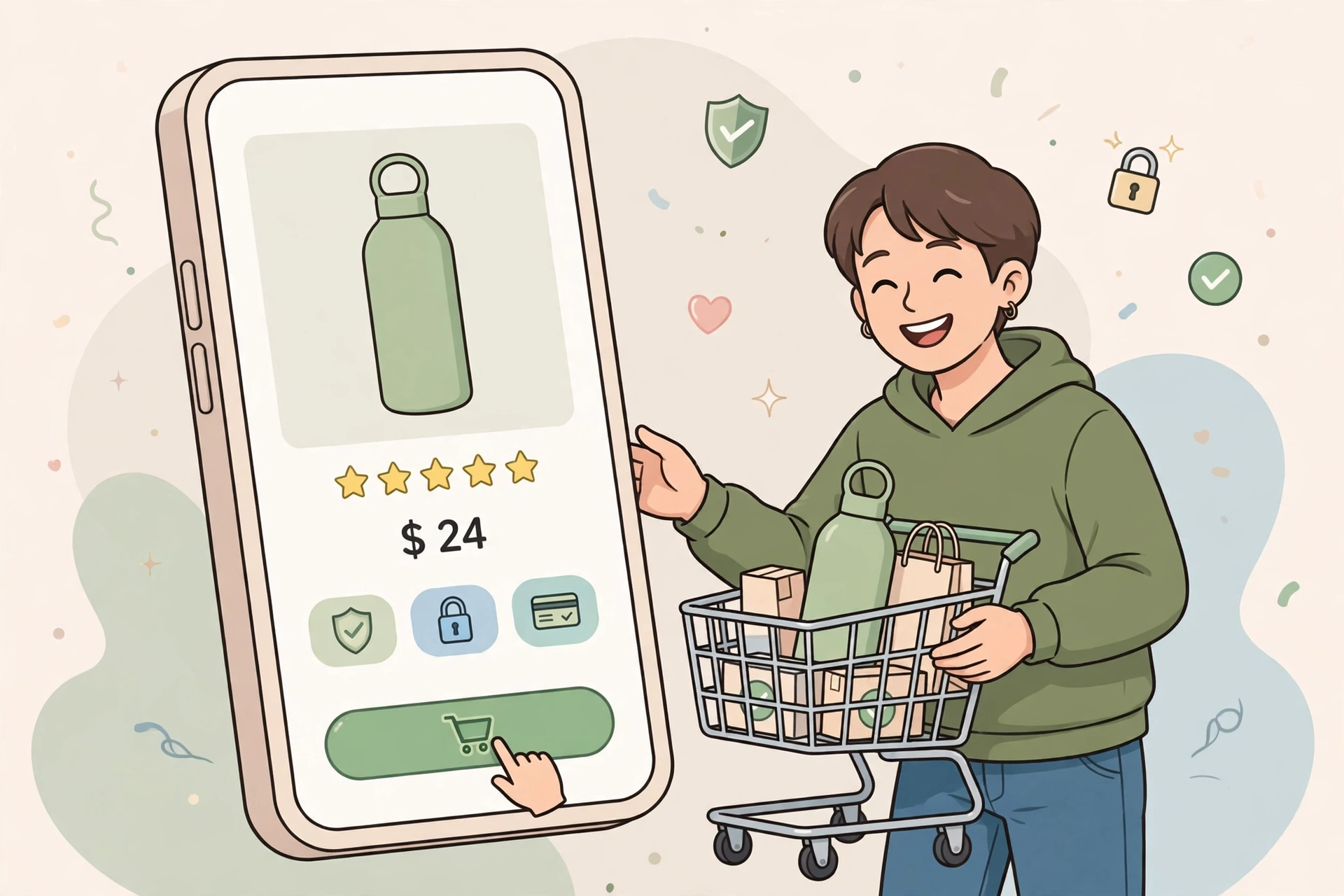
If you have traffic but no sales, work in this order: first the store-open checks and a test order (Fix 1), then checkout and surprise costs (Fixes 6 and 9), then product-page clarity and trust (Fixes 4, 5 and 10), then mobile speed (Fix 7). Only after those are solid should you spend more on traffic — otherwise you are paying to send buyers into a store that cannot close them. If you have almost no traffic at all, reverse it: fix the basics, then invest in search visibility and targeted campaigns that reach buyers, with the help of a joined-up digital marketing plan rather than isolated ads.
Frequently Asked Questions
Why is my Shopify store getting traffic but no sales?
Usually because the traffic is not purchase-ready, or the store has conversion friction: a weak product page, missing trust signals, hidden shipping costs, or a checkout that is too long. Check your funnel in Shopify Analytics — the step with the biggest drop shows whether the problem is traffic quality, the product page, or checkout.
How many visitors do I need before I can tell what is wrong?
There is no magic minimum, but small samples cannot prove a pattern. Obvious problems — a password page, a missing shipping rate, a broken checkout — can be found with a test order in minutes. Conversion-rate conclusions need enough sessions from the same source and device to compare, so judge by orders and funnel drop-offs, not by a single day’s traffic.
What is a good conversion rate for a Shopify store?
A commonly quoted range is around 1% to 3% for many stores, with well-optimised stores higher — but the right benchmark is your own store over time, segmented by traffic source and device. A store converting at 0.5% from cold social traffic may be normal, while the same rate from high-intent search traffic signals a product-page or checkout problem.
Should I redesign my Shopify store if it has no sales?
Not automatically. First identify whether the main issue is traffic quality, the offer, product information, usability, trust or a technical fault. A redesign is appropriate when broader structure and experience problems are confirmed — redesigning before diagnosis usually repeats the same leaks in a prettier layout.
How long does it take to fix a Shopify store that is not selling?
Technical blockers can be fixed the same day. Product-page, trust and checkout fixes usually take one to two weeks to implement and measure. Traffic-quality changes take longer, because search visibility and retargeting audiences build over weeks. Expect early wins from the technical and checkout fixes, and steady improvement — not an overnight transformation — from the rest.
Can a Shopify agency help if my store is not getting sales?
Yes — particularly when the problem spans several areas at once, such as speed, product pages, checkout and traffic quality. An experienced Shopify team can audit the funnel, fix the highest-impact leaks first, and set up the measurement that stops you guessing. That is usually faster and cheaper than months of changing things at random.
Get Your Shopify Store Selling Again
If your store has traffic but no sales, or sales that have stalled, do not keep spending on ads into a leaking funnel. Work through the diagnosis above, fix the biggest leak first, and measure the result. And if you would rather have an expert team find and fix the leaks for you — from product-page and checkout optimisation to speed, SEO and ongoing growth — contact Links Optimizer Pro for a free consultation on our Shopify development services. Tell us where your funnel is leaking, and we will show you exactly what to fix first.
External sources for further reading:
- Why stores get traffic but no sales, and the fixes that address intent and trust first: https://www.spocket.co/blogs/why-is-my-shopify-store-getting-traffic-but-no-sales
- A step-by-step diagnosis of Shopify stores with no sales, in the order to check them: https://thoughtbulb.dev/blog/why-shopify-store-not-getting-sales/